> For the complete documentation index, see [llms.txt](https://docs.astrakode.tech/akb-wiki/llms.txt). Markdown versions of documentation pages are available by appending `.md` to page URLs; this page is available as [Markdown](https://docs.astrakode.tech/akb-wiki/astrakode-wiki/network-composer/components/certificate-authority.md).
# Certificate Authority
## Introduction
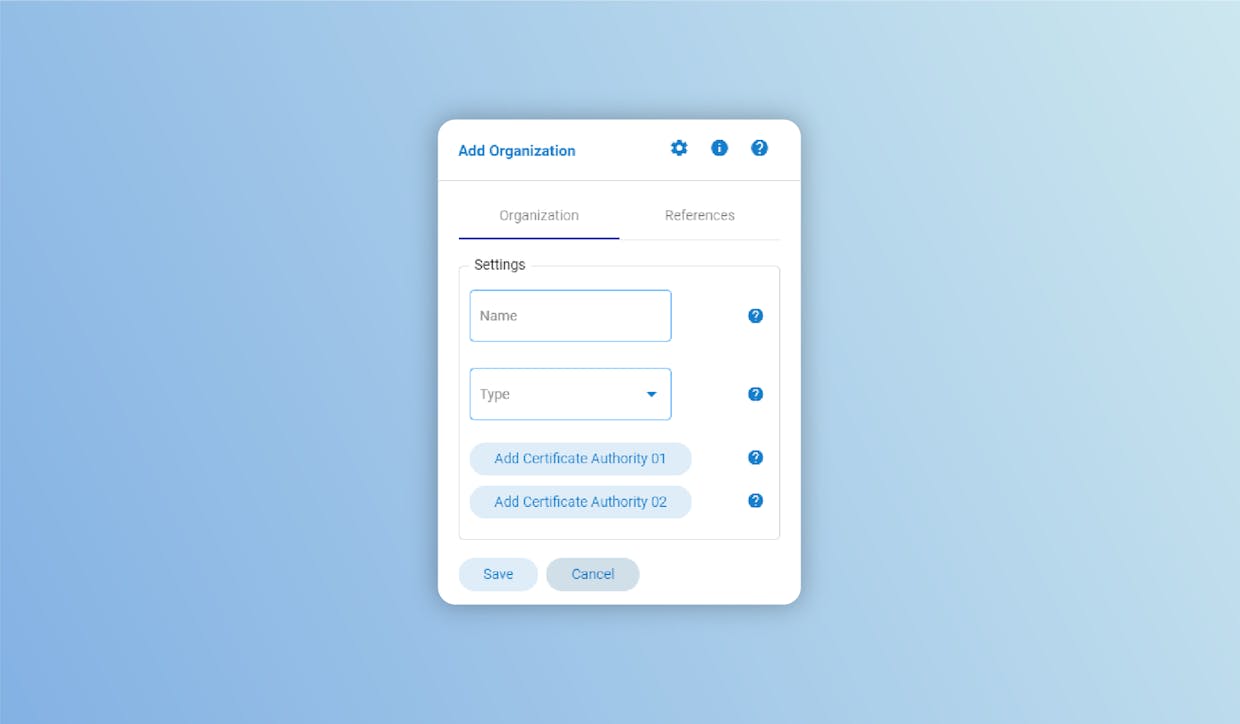
A Certificate Authority (CA) is a Network entity that issues certificates and takes care of their renewal and revocation. A CA can issue certificates for MSP or TLS (or both). The first type of certificate is associated with an Organization’s Membership Services Provider (MSP) structure, which defines the roles and identities for an Organization. TLS certificates are instead related to a protection protocol to communicate across a network in a way designed to prevent tampering and/or eavesdropping. MSP certificates are mandatory, whereas TLS certificates are not mandatory but strongly advised (their use is enabled by default in a Hyperledger Fabric network created with AKB). When creating an Organization to add to your network, you must also define at least one Certificate Authority (CA) for that Organization. If you define only a single CA, bear in mind that it should be set to issue both types of certificates. Along the same lines, if you define two CAs, one should be dedicated to MSP, and the other to TLS.
## Configuration
While configuring the CA, bear in mind these definitions for a correct setting:
* **Name**: must contain only alphanumeric characters or '\_' and be 20 characters at most"
* **Type**: defines whether this CA is used for issuing TLS certificates, MSP certificates, or both
* **IP Address**: defines the IP address for the machine on which the CA's Docker container will be deployed. Numeric IPv4 format is advised
* **Port**: defines the port at which the CA can be reached; Port must be numeric and within acceptable range \[100 - 35000]